One of the most common confusions we run into when streamers first reach out to us is the language. Someone will message saying they want a new "overlay" and send a reference image of a full 3D environment. Someone else will ask for a "background" and send a screenshot of a webcam frame with stat tickers around it. Both terms get thrown around interchangeably across Twitch panels, Etsy listings and YouTube tutorials, and the result is that streamers often end up commissioning the wrong thing for what they actually wanted.
The two are genuinely different products that solve different problems. They can absolutely work together, and most professional streams use both, but if you only have budget for one, picking the right one matters. This guide explains what each one is, where they differ, where they overlap, and how to decide which one your channel needs first.
- Quick definitions
- What a stream overlay actually is
- What a stream background actually is
- Side-by-side comparison
- How they work together
- Which one should you commission first?
- Why custom 3D backgrounds are pulling ahead
- Designing for vertical and dual-format
- Common mistakes streamers make
- Frequently asked questions
Quick definitions
Before going deeper, here is the cleanest definition of each:
- A stream overlay is a layer of graphic elements that sits on top of your gameplay or webcam feed. Its job is to frame and decorate the live content. Examples: webcam border, stat ticker, alert popup, follower goal bar, recent subscriber name plate.
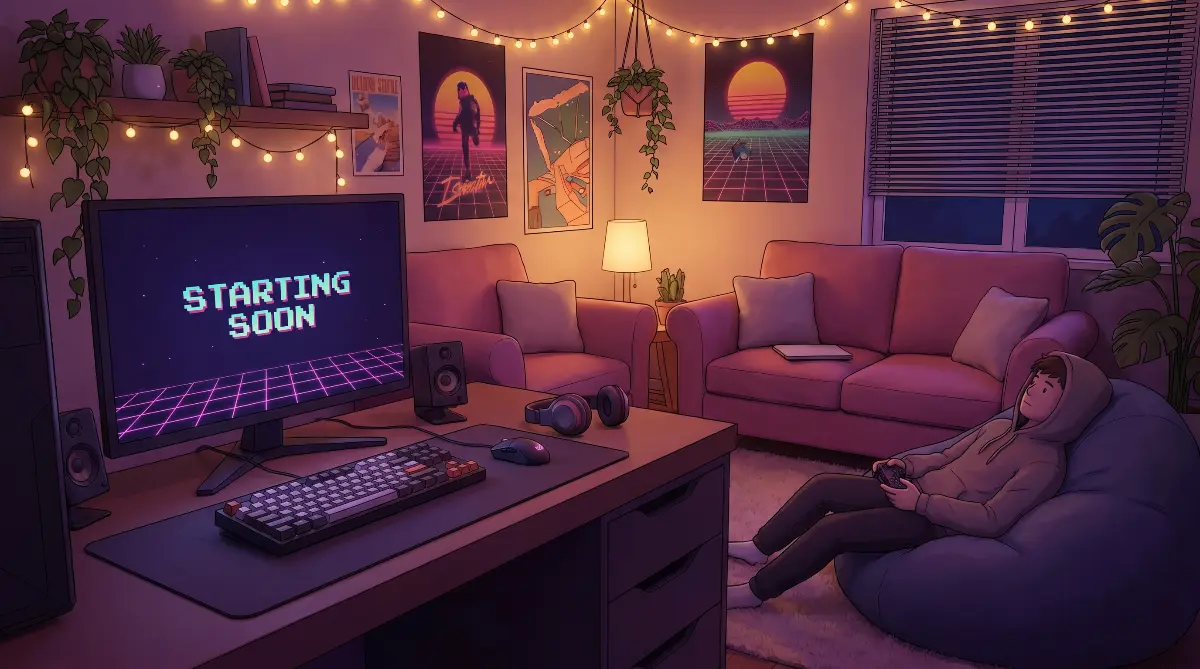
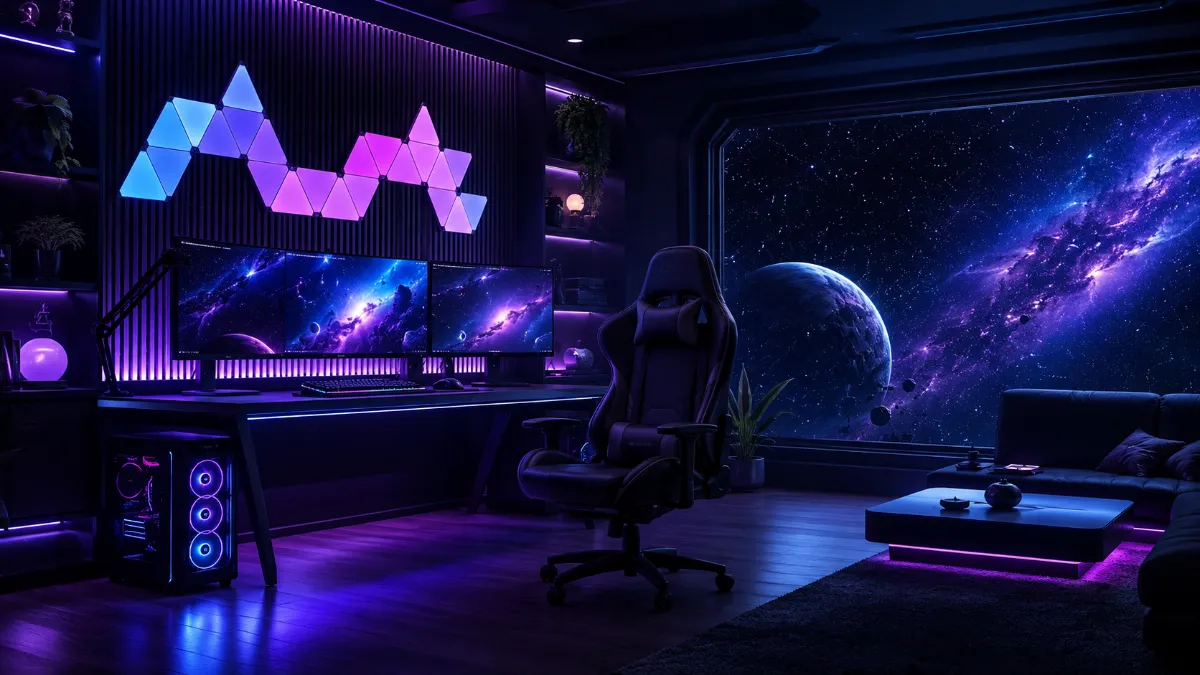
- A stream background is the visual environment that fills the screen behind everything else. Its job is to give your stream a place, a mood, a world. Examples: a 3D bedroom scene, a cinematic sci-fi command bridge, a neon city skyline, a fantasy tavern interior.
The simplest way to remember the difference is: overlays sit on top of your live content, backgrounds sit behind it.
What a stream overlay actually is
A stream overlay is a collection of small graphic elements designed to be placed on top of your active stream content. On a typical Just Chatting or gaming stream, overlay elements include:
- The frame around your webcam (the "facecam border")
- A stat panel showing follower count, subscriber count or session uptime
- The ticker bar that scrolls recent supporter names along the bottom
- The popup notification that fires when someone follows, subscribes, cheers or donates
- The recent activity panel listing the last few followers or subs
- Any branded title plate that names the current segment ("Just Chatting", "Round 5", "Q&A")
- Chat boxes, subgoal progress bars, countdown timers and other status indicators
An overlay package is a coordinated set of these elements designed to share the same visual style: same colours, same shapes, same animation language. When someone sells you a "stream overlay package", they are usually selling 20 to 200+ individual files styled to look like they belong together — not just the visible widgets, but webcam frame variants, alert sounds, full-screen scenes (Starting Soon, BRB, Ending), stinger transitions, Stream Deck icons, profile graphics, and source files for editing.
Overlays are typically partially transparent, so they are delivered as PNG, WebM with alpha channel, or — most commonly in 2026 — as a browser source URL that loads HTML, CSS and Lottie animations directly into OBS. (Standard MP4 cannot carry an alpha channel, which is why it is the wrong format for overlays.) Most modern animated overlays from StreamElements, Streamlabs, OWN3D and similar tools are delivered as browser sources rather than as static files, because that lets the elements stay reactive — alerts fire, stat panels update live, chat boxes scroll — without re-exporting anything. The transparent areas let your gameplay or webcam show through, while the designed elements decorate around the edges.
The defining feature of a good overlay is that it stays out of the way. The viewer should be able to see your gameplay or your face clearly, with the overlay elements as a subtle frame and informational layer around the action. An overlay that pulls focus from the main content is a bad overlay.
What a stream background actually is
A stream background is the visual scene that fills the rest of your screen behind your gameplay capture, your webcam, and your overlay elements. It answers a different question entirely: not "what frames my content" but "where does my stream take place?"
Backgrounds are most visible during talking-style content (Just Chatting, podcast format, IRL streams) and during transitional moments (Starting Soon, BRB, Intermission, Ending). During active gameplay, the game itself usually fills most of the screen and the background is only visible around the edges or behind the webcam, but its role is still to define the visual world the stream lives in.
Backgrounds break into three main types:
Static backgrounds
A single still image. Cheapest to produce, lightest on system resources, and easiest to swap. A static background can absolutely look professional, but it will not have the depth or motion that a higher-end stream brand needs to feel alive. Best for new streamers, podcast-style channels, or anyone whose content does not lean on visual production value.
2D animated backgrounds
Layered 2D illustrations with parallax motion, animated lighting, drifting particles, looping elements and other movement. More visually engaging than static, but bound by the limits of flat illustration. The best 2D animated backgrounds can look genuinely beautiful, especially in stylised art directions like cyberpunk neon, anime aesthetics, or hand-drawn fantasy.
3D rendered backgrounds
Full 3D environments rendered out as a looping video file. This is the highest production tier for streamers building visual identity inside a virtual environment — VTubers, tech-forward Just Chatting channels, and creators whose brand depends on a designed world rather than a physical studio. (Many top non-VTuber streamers, including most of Twitch's biggest Just Chatting names, invest in physical sets and lighting instead and use 2D overlay branding on top.) A 3D rendered background gives you genuine spatial depth, real lighting and shadows, complex motion, multiple camera angles, and a level of cinematic polish that flat 2D simply cannot match. The cost is higher, the rendering takes longer, and the file sizes are larger, but the visual impact on a viewer is significant.
Side-by-side comparison
Here is the cleanest way to see the difference at a glance:
| Attribute | Stream Overlay | Stream Background |
|---|---|---|
| Position | On top of content | Behind content |
| Purpose | Frame & inform | Set mood & place |
| Transparency | Required (PNG / WebM alpha / browser source) | Not needed (full screen MP4) |
| Typical elements | Webcam frame, stat panels, alerts | 3D scene, environment, looping video |
| Visible during | All segments of the stream | Mostly Just Chatting, BRB, transitions |
| File format | Browser source (HTML/CSS/Lottie), PNG, WebM with alpha | MP4 or WebM (full frame) |
| Resolution | 1920 x 1080 (matched to stream) | 1920 x 1080 (matched to stream) |
| File count per package | 20 to 200+ individual files | Usually 1 to 5 coordinated scenes |
| Typical price range | $50 to $400 | $200 to $1,500+ |
| Production complexity | Graphic design + animation | 3D modelling + lighting + render |
| Typical refresh cycle | ~12 to 24 months in our experience | ~18 to 36 months in our experience |
How they work together
The vast majority of professional streams in 2026 use both. The background defines the world, and the overlay sits on top of it. Layering them properly is what gives a premium stream that "this looks like a TV broadcast" feeling.
Picture a streamer with a custom 3D bedroom background, soft lighting, books on a shelf in the back, a window with subtle parallax outside. In front of that scene sits a webcam framed with a thin metallic border that matches the room's colour palette, a small follower-count panel docked in the corner using the same metallic finish, and a chat box discreetly positioned along one side. The overlay does not fight the background, it complements it. Both pieces share the same colour language, the same level of detail, the same overall mood.
This is the difference between a stream that looks "designed" and one that looks like overlay elements were dropped on top of an unrelated background. When the two are commissioned together, or commissioned to a shared brand spec, they reinforce each other. When they are mixed from different sources without coordination, the result is usually a visual mismatch that viewers cannot articulate but absolutely feel.
Which one should you commission first?
If you are at the start of building your stream brand and can only afford one of the two right now, the answer depends on what you stream and what kind of presence you want.
Background first if
- You stream Just Chatting, podcast-style, IRL, or VTuber content where the background is visible most of the time
- You want your channel to have a strong visual identity and a sense of place
- Your competitors all use templates and you want to stand out immediately
- You are willing to invest at the higher tier and treat the visual brand as a long-term asset
Overlay first if
- You stream fast-paced gameplay where most of the screen is taken up by the game itself
- You need alerts, follower goals and stat panels to function (most growth-focused streamers)
- You are still establishing a viewer base and need clear branding around your webcam more than you need an atmospheric scene
- Your budget is limited and you need maximum visible impact for the spend
If you stream a mix of gaming and Just Chatting, the answer is usually a 50/50 split: you want both, eventually. The right starting point is whichever one you will see more of on screen during your typical session.
Why custom 3D backgrounds are pulling ahead
Five years ago, the dominant visual investment for a serious streamer was a great overlay package. The biggest streamers all used custom overlays from a small handful of well-known designers, and that was the marker of "made it". Backgrounds were an afterthought, usually just a static image or a basic 2D loop.
That has shifted noticeably. The streamers who are pushing visual production value the hardest in 2026 are spending more on backgrounds than on overlays. There are three clear reasons:
Backgrounds give the channel a brand world, not just a brand frame. An overlay can say "this is my colour and my logo". A 3D background can say "this is my universe". For streamers building long-term audiences, having a recognisable world matters more than having a recognisable border.
Mobile and clipped content rewards backgrounds more than overlays. A clip on TikTok or YouTube Shorts often crops out the overlay elements but keeps the background visible. The visual that travels off-platform is the background, not the overlay. For streamers chasing growth through clips, the background is what audiences actually remember.
Overlay templates have become a commodity. Decent overlay packs are available for $30 from any number of stores. Decent custom 3D backgrounds are not. The relative scarcity of high-end backgrounds means they signal investment in a way overlays no longer do.
Designing for vertical and dual-format
The single biggest design shift between 2024 and 2026 is the rise of vertical streaming. TikTok Live overtook Twitch in total hours watched in Q3 2025. Twitch launched Dual Format streaming via Enhanced Broadcasting through 2025 and 2026, letting streamers send a horizontal and vertical canvas at the same time. YouTube Live added native dual horizontal+vertical streaming in September 2025. Kick mobile use is growing fast and the Kick app handles horizontal scenes clumsily on phones. Across the four major platforms, vertical is no longer a TikTok-only consideration — it is part of how a meaningful share of your audience watches.
For overlay and background design specifically, this means three practical changes:
- Design a separate 9:16 layout, not a cropped 16:9. Automatic cropping on the platform side will hide your face, your alerts, or your branding depending on which edges get clipped. A purpose-built vertical scene puts the streamer's face in the upper third, the gameplay or main content in the middle, and chat or stats at the bottom — and survives mobile viewing in a way an automatically cropped horizontal scene cannot.
- The vertical scene needs its own background. A wide cinematic 3D environment built for 16:9 will not crop cleanly to portrait. Most professional commissions in 2026 deliver both a horizontal and a vertical version of the main scene as a coordinated set, not just one resized to fit.
- Vertical overlays are lighter, not heavier. The 9:16 frame has roughly 56% of the horizontal pixel count. Stat tickers, recent-follower scrollers and dense overlay chrome that worked on desktop become noise on mobile. The strongest vertical layouts use one or two large overlay elements, not the full overlay pack.
If you commission custom work in 2026, ask the studio whether the deliverable includes a vertical variant by default. Many still ship horizontal-only and treat vertical as a separate paid project — that is a question worth raising in the brief, not after the work is delivered.
Common mistakes streamers make
1. Buying a $30 overlay pack and wondering why the channel still looks generic
An overlay package is just one layer of the visual brand. If the background behind it is a stock image or a repeated pattern grabbed from a free-asset site, the overlay cannot compensate. Channels that look genuinely premium have invested in both layers.
2. Commissioning a 3D background and pairing it with a clashing overlay
The opposite mistake. A streamer commissions a beautiful custom 3D environment, then drops a free generic overlay pack on top of it. The overlay's colours, shapes and animation style are completely unrelated to the background, and the result is jarring. If you cannot afford to commission both at once, at least make sure they share the same colour palette and visual weight.
3. Treating overlay alerts as the visual brand
The follow alert that pops up when someone follows is the loudest, most visible piece of the overlay package, and many streamers spend disproportionate effort on the alert animation while ignoring the rest. Viewers see the webcam frame, stat panel and chat box for the entire stream. They see the alert for two seconds. Spend your visual attention proportionally.
4. Letting platform mobile crops hide the background
Twitch and Kick mobile apps display the stream differently from desktop, and the gap is widening. Twitch's Dual Format streaming, announced at TwitchCon Rotterdam in May 2025 and rolling out through 2025–2026 via Enhanced Broadcasting, lets streamers send two separate canvases at the same time — one horizontal and one vertical — so mobile viewers see a layout actually designed for portrait viewing rather than a cropped version of the desktop scene. (The vertical canvas is composed in OBS using tools like Aitum Vertical, Streamlabs, Meld Studio, or StreamElements.) For backgrounds and overlays, this means the safe-zone rule that applied to Starting Soon screens now applies to your live scene as well: keep the most important visual identity in the central 80% of the horizontal frame, and if you are designing for Dual Format, build a separate 9:16 layout that keeps the streamer and key brand elements in the vertical center rather than relying on automatic cropping.
5. Confusing platform panels with overlays
The graphics under your stream on the Twitch channel page (the "About me" section, the schedule panels, the social links) are not overlays. They are channel panels. They live on the platform's web layout, not inside your live stream. Treat them as a third visual element that needs its own design pass.
Frequently asked questions
Do I need both an overlay and a background?
For a fully built-out professional stream, yes. For a starter setup, you can launch with one or the other. In our experience most growing channels add the second layer within their first year.
Can a single file act as both?
Sort of. Some custom commissions deliver a full-screen background with a webcam frame baked into it as a single layer. This works, but it means you cannot move the webcam without breaking the design and you cannot easily update one without re-commissioning the other. Most professional streamers prefer to keep the two separate so each can evolve independently.
What about VTubers?
VTubers usually need a strong background more than they need a heavy overlay package, because the VTuber model itself acts as the focal point and the background does the work of placing them in a scene. The overlay layer for a VTuber is typically lighter and less elaborate than for a face-cam streamer.
Can I reuse an overlay across different backgrounds?
Yes, and this is one of the strengths of keeping them as separate layers. A well-designed overlay should sit cleanly over multiple background scenes, so you can swap backgrounds for different segments (a Just Chatting scene, a gameplay scene, a podcast scene) without redesigning the overlay each time.
What about Starting Soon, BRB and Ending screens?
Those are full-screen scenes that take over the entire frame during transitional moments. They are technically standalone scenes rather than backgrounds, but they share the same visual production language as a 3D background and most professional commissions design them as a coordinated set. We have a separate guide on Starting Soon screen sizing and specifications if you want to dig into the technical side.
The takeaway
An overlay frames your live content. A background defines the world your stream lives in. They serve different purposes, they should be designed as a coordinated set, and the streamers pulling ahead in 2026 are the ones investing in both layers rather than treating overlays as the entire visual brand.
If you are building a stream brand from scratch, commission both at once if you can, with a shared visual language across them. If you can only afford one, pick whichever layer your audience will see most during your typical session. And if you are looking at a stream and trying to figure out why it looks more professional than yours despite having less production effort visible on screen, the answer is almost always that they invested in the background, not just the overlay.