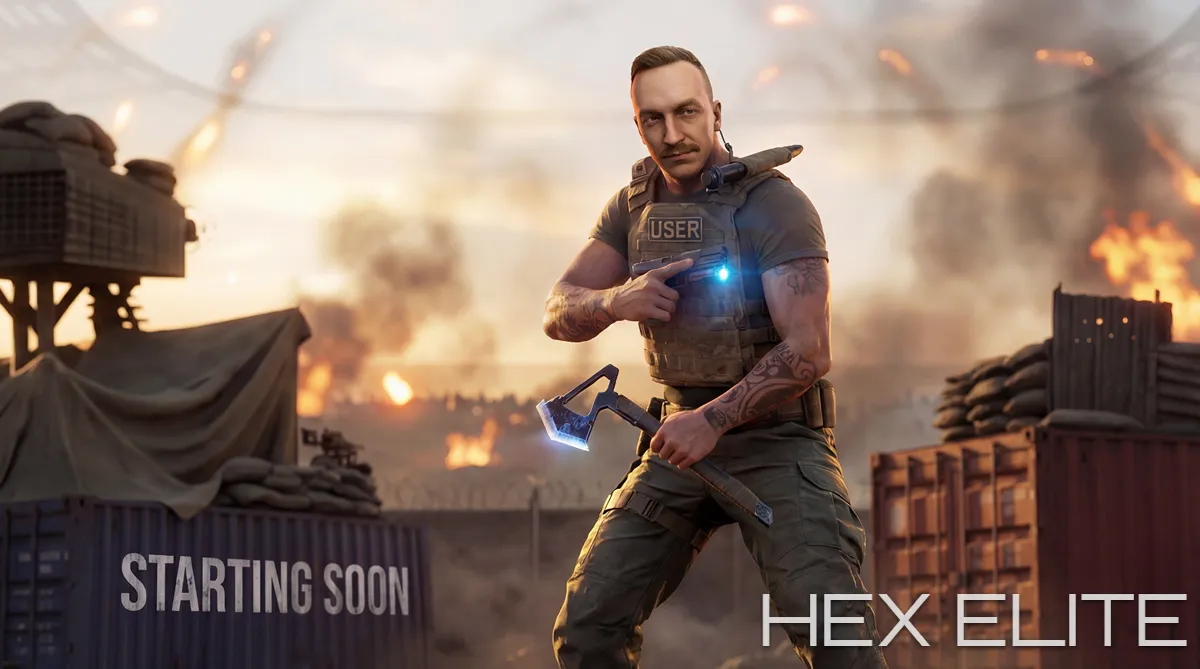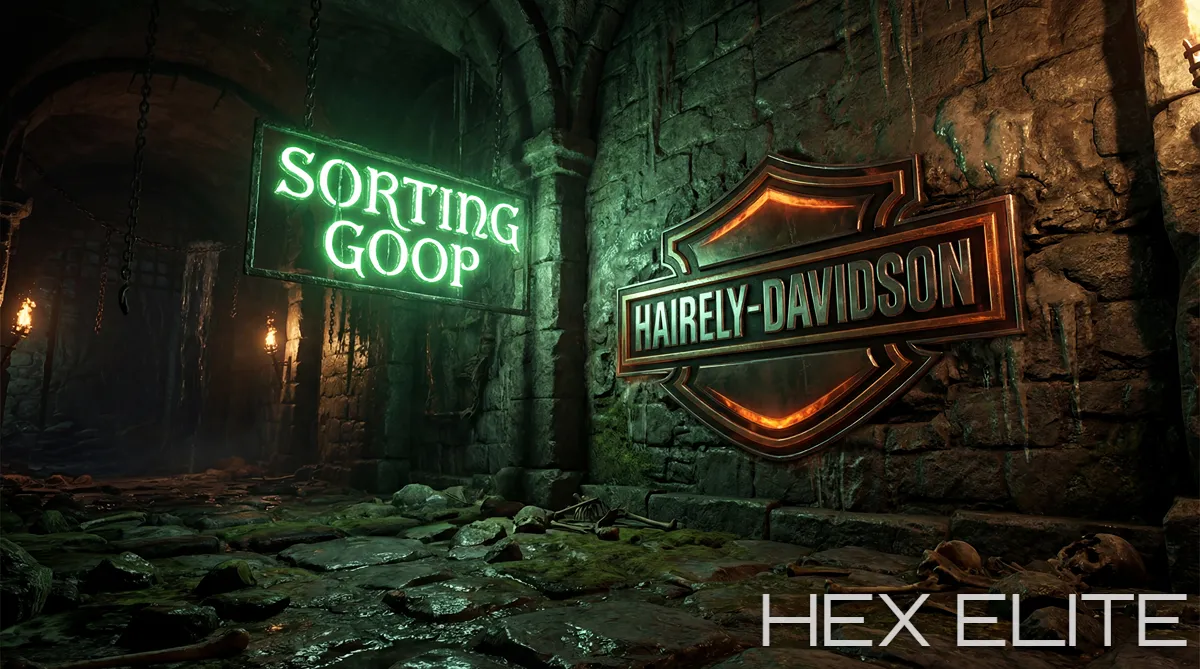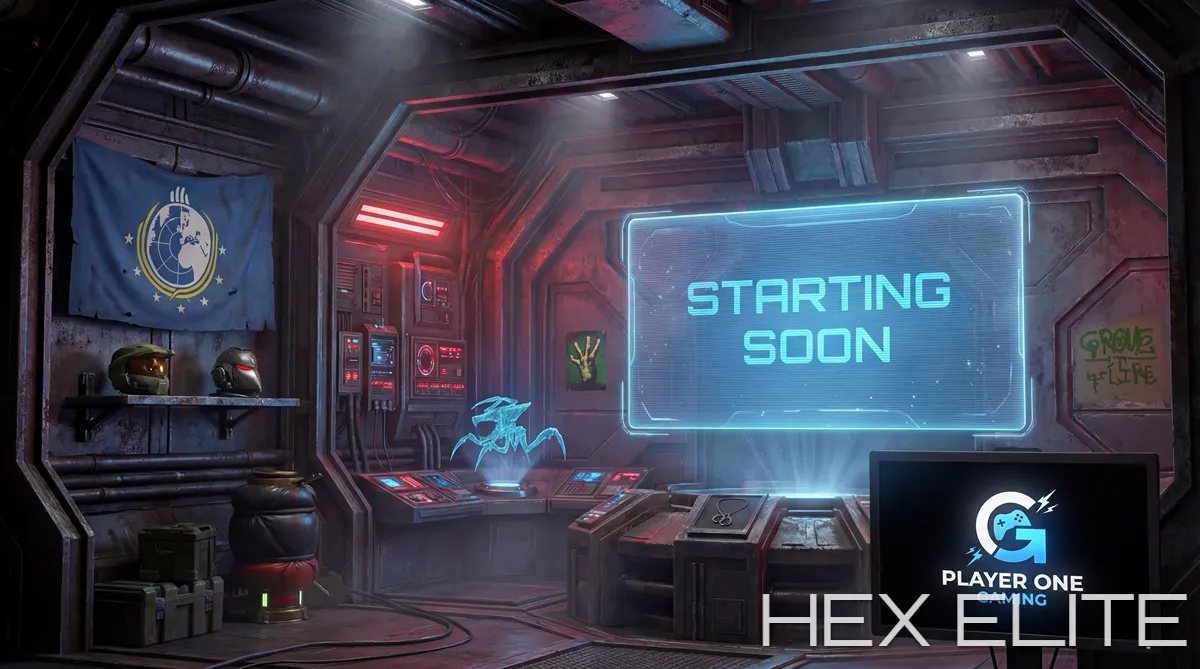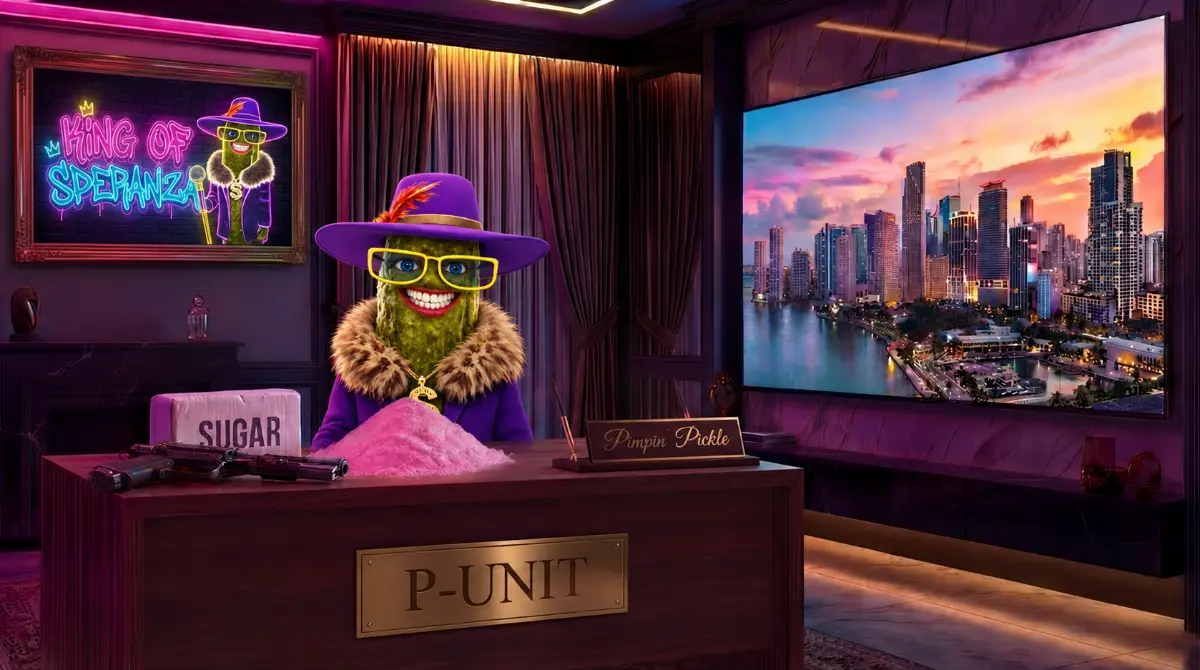
The VTuber category on Twitch has crossed from niche into mainstream. As of 2026 it is one of the fastest-growing creator segments in live streaming overall, with the VTuber industry pulling well over 100 million monthly viewing hours across platforms and a steady stream of new agencies, indies, and graduates joining the scene every month. Twitch in particular now hosts more than 60% of active VTuber channels, even as YouTube still leads on raw viewership, and the category has matured to the point that "looking professional" is now table stakes - viewers tab away from VTuber streams that feel low-effort the same way they tab away from face-cam streams that do.
And here is the gap. While VTuber models themselves have become extraordinarily polished - rigged Live2D avatars, full-body 3D models, the kind of expression range that was a Hololive luxury two years ago - the backgrounds those models stream in front of have largely not kept up. The dominant background market for VTubers is still 2D illustrated rooms recycled from generic asset packs, free Live3D presets, and Hololive-style flat scenes traced from anime backgrounds. The model has gone 3D. The world the model lives in has not.
This guide is for VTubers (Twitch, YouTube, Kick) thinking about upgrading their stream background, and for anyone in the orbit of that decision - mama/papa designers briefing a stream pack, agency staff specifying assets for a new talent, or independent creators about to commission their first serious 3D scene. It covers the ten most popular VTuber background styles, what actually makes a 3D scene work behind a VTuber model (which is different from what works behind a face cam), the right technical specs, and why custom 3D scenes are pulling ahead in 2026.
- What a VTuber stream background actually is
- 2D vs 3D backgrounds for VTubers
- The ten most popular VTuber background styles
- What works behind a VTuber model specifically
- The full VTuber scene set
- Technical specs and OBS setup
- Why Hololive-style 2D has hit a ceiling
- Six common VTuber background mistakes
- The takeaway
What a VTuber stream background actually is
A VTuber stream background is the visual environment that fills the screen behind your animated avatar during a live stream - whether you stream as a full rigged VTuber, a PNGtuber with a static expression-swapping image, or a P-tuber using a simpler PNG-based avatar. Unlike a face-cam streamer's background, which competes for attention with a moving human face in a fixed-position webcam, a VTuber background has to contain a fully animated character that moves around the frame, looks at the chat, gestures, dances, leaves the chair, comes back, walks across a virtual room. The background is not just decoration. It is the set the character performs in.
This makes VTuber background design genuinely different from face-cam background design. A static 2D image with a desk and a window is fine for a webcam streamer because their face never moves more than a few centimetres on screen. The same image behind a VTuber model with a full-body rig and free movement starts to feel like a flat backdrop the moment the character turns their head or moves out of the chair. The viewer's eye expects the world to respond to the character. A flat backdrop cannot do that.
The cleanest definition: a good VTuber stream background is one that looks like a place the character could actually exist in, with depth, lighting and motion that respond believably to where the model is in the frame. Whether that's achieved through 3D rendering, parallax-layered 2D, or hybrid techniques varies. The result is the same - the viewer believes the character is somewhere, not standing in front of something.
2D vs 3D backgrounds for VTubers
The choice between 2D and 3D is the biggest single decision in VTuber background design and the one that gets made most carelessly. A summary of how they compare:
| Attribute | 2D illustrated | Custom 3D rendered |
|---|---|---|
| Depth | Faked via parallax layers | Genuine spatial depth |
| Lighting | Painted, fixed | Real lighting, shadows, reflections |
| Camera moves | Limited (parallax dolly only) | Full cinematic camera control |
| Model integration | Model floats over background | Higher quality, more realistic |
| Cohesion with 3D model | Mismatched (2D bg + 3D model) | Consistent (3D bg + 3D model) |
| Anime/cute style fit | Strong | Strong (with stylised 3D) |
| Sci-fi / cinematic style fit | Weak | Strong |
| Animation | Hand-animated layer by layer | Advanced realistic effects, lighting, smoke etc |
The simple rule: 2D backgrounds work best with 2D Live2D avatars in cute/anime styles. The aesthetic match is consistent. 3D backgrounds work best with full 3D VRM/3D-model VTubers, and increasingly with high-fidelity Live2D avatars where the visual production value of the model has outgrown what 2D backgrounds can keep up with.
The mismatch case - a 3D model performing in front of a flat 2D background - is the most common failure mode in VTuber stream design today. The model has perspective, lighting and depth; the background has none of those things. The viewer's brain registers the disconnect immediately, even if they cannot articulate it.
The ten most popular VTuber background styles
The cozy anime bedroom
The default starting point for a huge percentage of VTubers. A small bedroom with a window, a bed, a desk, plants, fairy lights. Warm lighting, sunset or evening time of day, slight clutter. Works for kawaii VTubers, ASMR, study streams, and slice-of-life content. Adjacent to but distinct from the lofi aesthetic - we have a separate guide on lofi stream aesthetics if you want to dig into the cozy direction specifically.
The neon Tokyo command bridge
Holographic interfaces, glowing neon signs, rain on glass, distant city skyline. Strong fit for tech VTubers, gaming-focused channels (FPS, mecha, esports), and characters with a futuristic or cybernetic design. Heavy parallax, lots of background motion, cinematic camera moves. This style benefits from full 3D more than almost any other - the depth is the point.
The moonlit space bedroom
One of the most-searched VTuber background terms in 2026. A bedroom or balcony with a vast night sky outside the window, drifting stars, a moon that fills half the frame, soft purple-blue lighting. Strong fit for ASMR VTubers, late-night talk shows, dreamy/witchy character archetypes, and any creator whose model has cosmic or magical theming.
Y2K retro stream room
CRT television, beanbag chair, lava lamp, posters, blocky 2000s aesthetic, pink and purple gradients. Works for VTubers leaning into early-internet nostalgia, vaporwave-adjacent content, and creators whose audience skews to the millennial-into-Gen-Z crossover. Plays well with chiptune music and retro gaming streams.
The witch's library or wizard's tower
Wooden beams, candles, leather books, a fireplace, magical glows from a cauldron or crystal. Strong fit for tabletop RPG VTubers, fantasy MMO streamers, narrative role-play characters, and any VTuber with a magical, mystical, or scholarly archetype. Heavy on warm interior lighting, atmospheric particles, and lived-in detail.
The rooftop bar or balcony at night
Cityscape view from a high terrace, string lights, a couple of plants, a low table with drinks, distant traffic far below. Works for VTubers running talk-show or interview formats, music streams, drinking-and-chatting content. Camera-friendly because the wide-open view gives the model space to move without crowding.
The underwater observation lounge
Large curved windows looking out into water, fish swimming past, soft caustic light playing across the room. A growing style in 2026, especially for VTubers with marine, mermaid, or aquatic character designs. The constant ambient motion outside the window does most of the visual heavy-lifting on its own.
The forest cabin or treehouse
Wood interior, large window onto a forest, a fireplace or wood stove, herbs and plants everywhere, warm lamp light. Strong fit for cottagecore VTubers, nature-themed characters, druid/forest-spirit archetypes, and slow-paced cozy gaming content. The forest outside the window can shift through seasons, which gives the scene a lot of visual range over time.
The cafe corner
A booth or counter in a cozy cafe, warm lighting, ambient customers in soft focus in the background, a book and a coffee on the table. Works for VTubers running interview formats, podcast-style content, or "hang out and chat" streams. The implied social setting makes the audience feel like they have joined the streamer at a table.
The abstract void or holographic stage
Pure background colour, geometric shapes, particle effects, holographic floor grids. No "place" at all - the model floats in a designed visual space rather than a physical room. Works for high-energy gaming VTubers, music VTubers, and creators whose model is so visually striking that any real environment would compete with it. Minimal but technically demanding to do well; bad versions look like a default Zoom background.
What works behind a VTuber model specifically
VTuber background design has a few constraints that face-cam background design does not, and getting them right is what separates "background that fights the model" from "background that lets the model shine".
The composition has to leave a model-shaped hole
Unlike a face cam in a small fixed corner, a VTuber model takes up a meaningful percentage of the frame and moves around it. The background composition has to anticipate this and leave a roughly central area visually quiet enough that the model reads cleanly against it. Backgrounds that put their most detailed elements - patterned wallpaper, busy bookshelves, dense sci-fi readouts - directly behind the model's "rest position" cause visual clash that beginners often fail to spot until the model is already overlaid.
The background lighting should match the model's lighting
If your VTuber model is rigged with warm front lighting and your background is a cool blue night scene, the colour temperature mismatch reads as immediate disconnection. The character looks pasted in. Pro VTuber backgrounds either match the model's lighting direction and warmth, or include in-scene light sources (a desk lamp, a window, a glowing screen) that visually justify why the model is lit the way it is.
Movement on the model side requires stillness on the background side
VTuber models are themselves a major source of frame motion - blinking, breathing, head tilts, gestures, mouth movement. A background that is also full of fast motion creates competing motion zones that make the frame feel chaotic. The best VTuber backgrounds use slower, more ambient motion (drifting particles, a candle flame, light shifts, distant clouds) rather than fast action that fights the model for attention.
The model's edge needs somewhere to sit
VTuber models typically have soft anti-aliased edges where the avatar meets the background. Plain dark areas behind the model's silhouette make those edges look clean. Bright, high-contrast areas behind the silhouette make the soft edge visible and slightly artificial. This is one of the small details that 2D pre-made backgrounds get wrong constantly - the painted background ignores where the eventual model edge will need to sit.
The full VTuber scene set
A serious VTuber stream uses more than one background. The full scene set is typically:
| Scene | Used during | Notes |
|---|---|---|
| Main background | Just Chatting, gameplay, the bulk of the stream | The scene the audience sees most. Built for long-duration viewing. |
| Starting Soon | Pre-stream countdown | Often the same room with a "starting soon" overlay or a wider camera angle. See our Starting Soon sizing guide. |
| BRB / Be Right Back | Mid-stream breaks | Often the same room from a different angle, model absent or sleeping. |
| Ending | Final 1-3 minutes of stream | Same room with closing-credits energy. See our ending screen guide. |
| Offline | Channel page when not live | Static image only, uploaded directly to Twitch's branding settings (not played through OBS). See our offline screen guide. |
| Game scene | While playing games | Smaller framing of the model + game capture taking most of the screen. |
The single biggest opportunity in VTuber visual production today is treating these as a coordinated set rather than commissioning each in isolation. A coordinated set means all the scenes happen in the same world - the same room from different angles, the same time of day evolving across scenes, the same character object visible in each. The viewer registers continuity even when they cannot articulate it. The streamer feels like they have a real world they live in, not five disconnected scenes.
Technical specs and OBS setup
The technical specs for a VTuber background are essentially the same as for any animated stream scene, with one important addition - alpha channel support if you want the background composited with a separate model layer in OBS.
| Setting | Recommended value |
|---|---|
| Resolution | 1920 x 1080 or 2560 x 1440 (1440p preferred where hardware allows; downscales to 1080p with visibly cleaner results) |
| Frame rate | For cinematic, realistic backgrounds 24 fps or 30 fps looks great and keeps file size down. If you stream at 60 fps, a 60 fps background works well too. |
| File format (full-frame) | MP4 (H.264) |
| File format (with transparency) | WebM (VP9 with alpha) |
| Loop length | 30 to 60 seconds, seamless |
| Bitrate | 12 to 15 Mbps for 1440p (24/25/30 fps), 9 to 12 Mbps for 1080p (24/25/30 fps), 8 to 12 Mbps for 1080p60 |
| Audio | SFX embedded, music separate (run background music as its own OBS source) |
| Safe zone | Middle 70% of frame for the model rest position |
For the OBS scene setup, a typical VTuber layout in 2026 is:
- The animated background as the bottom layer (Media Source, looped, hardware decoding enabled)
- The VTuber model layer above it (typically captured from VSeeFace, Warudo, VTube Studio, or a similar app via window capture or virtual camera)
- An optional foreground layer for elements that should appear in front of the model (a desk in front, a curtain edge, particles)
- An overlay layer for stat panels, alerts and chat, sitting on top of everything
For getting the animated background playing cleanly without dropped frames or stalls, the same OBS configuration applies as for any animated scene - see our full guide on adding animated stream screens to OBS.
If your VTuber model uses a green-screen-style background (a flat colour to be keyed out), your stream background needs to be designed assuming the model arrives with no built-in foreground. If your model is captured with a transparent background already (most modern setups), you have more flexibility. Confirm which delivery format your VTuber app uses before commissioning a background, because it affects how the scene composition has to be designed.
Why Hololive-style 2D has hit a ceiling
For most of the VTuber scene's history, the visual reference point for "what a serious VTuber stream looks like" was Hololive: 2D illustrated backgrounds, mostly anime-style, often in interior or fantasy settings, with the model floating in a fixed pose. This style still works for huge channels and is far from going away, but as a reference for what indie and mid-tier VTubers should aim at, it has hit a ceiling for two reasons.
The first is that the saturation has become extreme. Etsy alone has thousands of "anime VTuber background" listings, BOOTH has dedicated marketplaces, and free packs proliferate on every Discord server in the scene. A 2D anime room background is now the lowest-effort visual choice a VTuber can make. It is no longer a signal of investment. Viewers who have seen a hundred similar scenes will pattern-match to "low-effort starter setup" within seconds, regardless of how nicely drawn the background actually is.
The second is that the model technology has outpaced the background convention. Modern Live2D rigs and 3D VRM models are capable of expression, gesture and movement that a flat 2D world cannot keep up with. The model is doing nuanced 3D-feeling performance; the background looks like a stage flat. For VTubers serious about audience growth in 2026, the visual upgrade path is no longer "better 2D background" - it is "actual 3D environment that matches the model's production tier".
For the longer argument on why custom 3D pulls ahead of template-based work in any visual category, see our piece on why custom 3D stream visuals outperform template packs.
Six common VTuber background mistakes
1. Background too busy behind the model
Pattern wallpaper, dense bookshelves, sci-fi UI panels directly behind the model's rest position fight the model for attention. Keep the area immediately behind the model visually quiet and push detail out toward the edges of the frame.
2. Mismatched lighting between model and background
A warm-lit model in a cold-lit scene looks pasted in. Match colour temperature and primary light direction between the two layers, or include in-scene light sources that justify the model's lighting.
3. Reusing the same flat background across all scenes
One static image used as Starting Soon, BRB, main scene and Ending feels lazy and gives the audience nothing visual to track over the course of a long stream. Even the same room shown from three different angles reads as more produced than one repeated image.
4. 2D background paired with 3D model
Covered above. The most common production mismatch in VTuber streams. If your model is full 3D, the background should be at least parallax-layered, ideally fully 3D rendered.
5. Stock backgrounds with no character object
Generic anime rooms with a generic plant and a generic desk feel like a hotel room. Adding one character-specific object - your VTuber's signature item, a representation of their lore, a piece of decor that only makes sense for this specific character - transforms the same room into "this character's actual space".
6. Treating the background as one-time work
The best VTuber channels evolve their backgrounds across major stream arcs - seasonal versions, anniversary scenes, special-event variants, model upgrade tie-ins. Treating the background as a single one-shot commission rather than a long-term visual asset that gets updated leaves a lot of audience-engagement value on the table.
The takeaway
The VTuber category in 2026 is in a specific moment: model technology has matured, audience expectations have risen with it, and the dominant 2D background convention has not kept up. The visual gap between a serious VTuber model and a cheap 2D background is now the most visible signal of "indie" status in the category, and closing that gap is one of the highest-leverage upgrades a growing VTuber channel can make.
The right answer is not necessarily expensive. It is intentional. A coordinated set of 3D-rendered or properly parallax-layered scenes, designed around the specific model's lighting and the specific character's archetype, with each scene in the set sharing a consistent world - this is the production tier that separates VTubers who feel like they are running a channel from VTubers who feel like they are running a hobby. The cost gap between "good 2D pack" and "good custom 3D set" is real but smaller than most creators assume, and the difference shows up in average watch time, follower retention, and clipped-content travel within weeks of the upgrade.
Hex Elite Studio designs custom 3D VTuber stream backgrounds across all ten of the styles covered in this guide and beyond - from cozy anime bedrooms to neon cyberpunk command bridges to underwater observation lounges. Coordinated full scene sets, built around your specific VTuber model and character, delivered ready for OBS playback. The styles change. The principle stays the same: the world should match the model.